The Sandwiches App

The Sandwiches App

The Sandwiches App

I designed and conducted user research for this app as part of my Google UX Design Certificate program.

I designed and conducted user research for this app as part of my Google UX Design Certificate program.

The Assignment :

The Assignment :

"Create a food customization app for a restaurant."

"Create a food customization app for a restaurant."

"Create a food customization app for a restaurant."

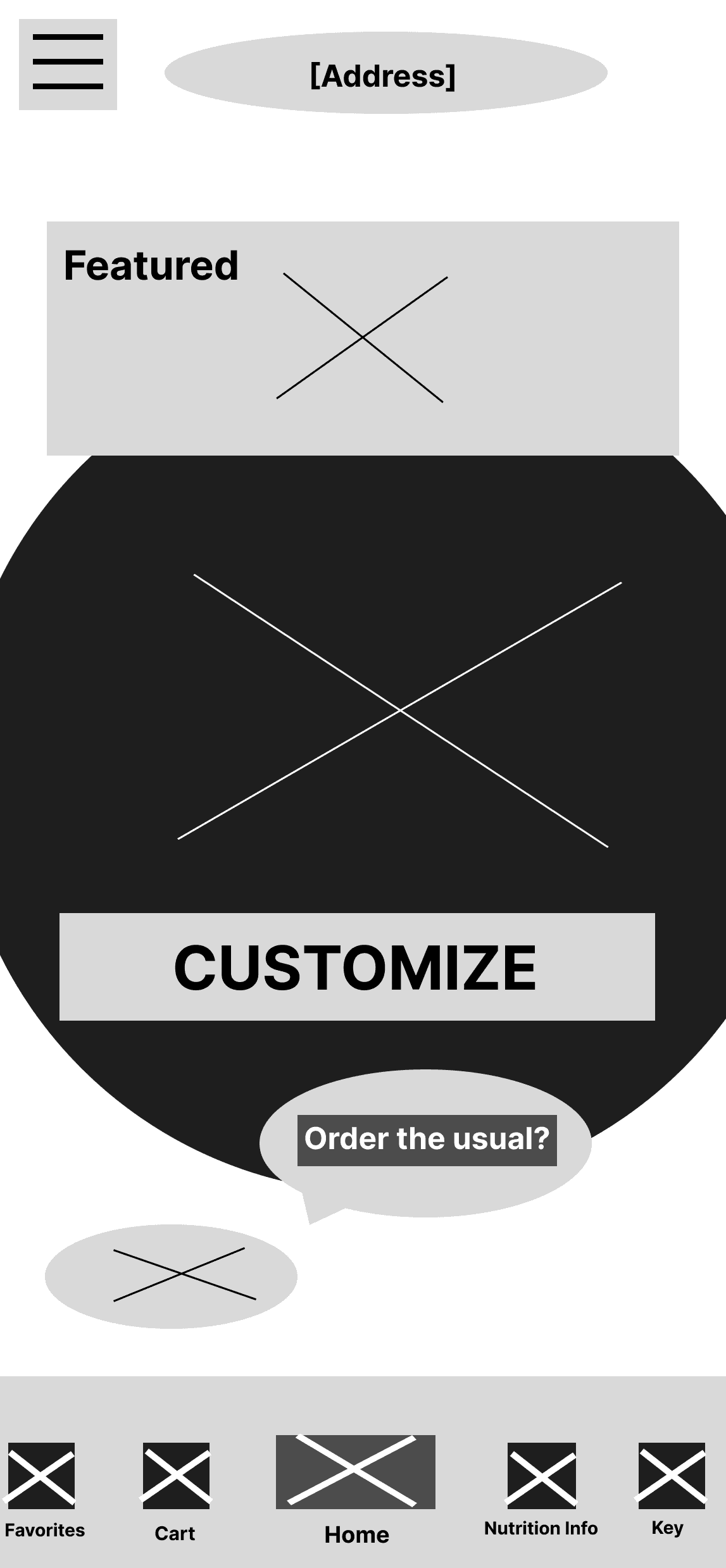
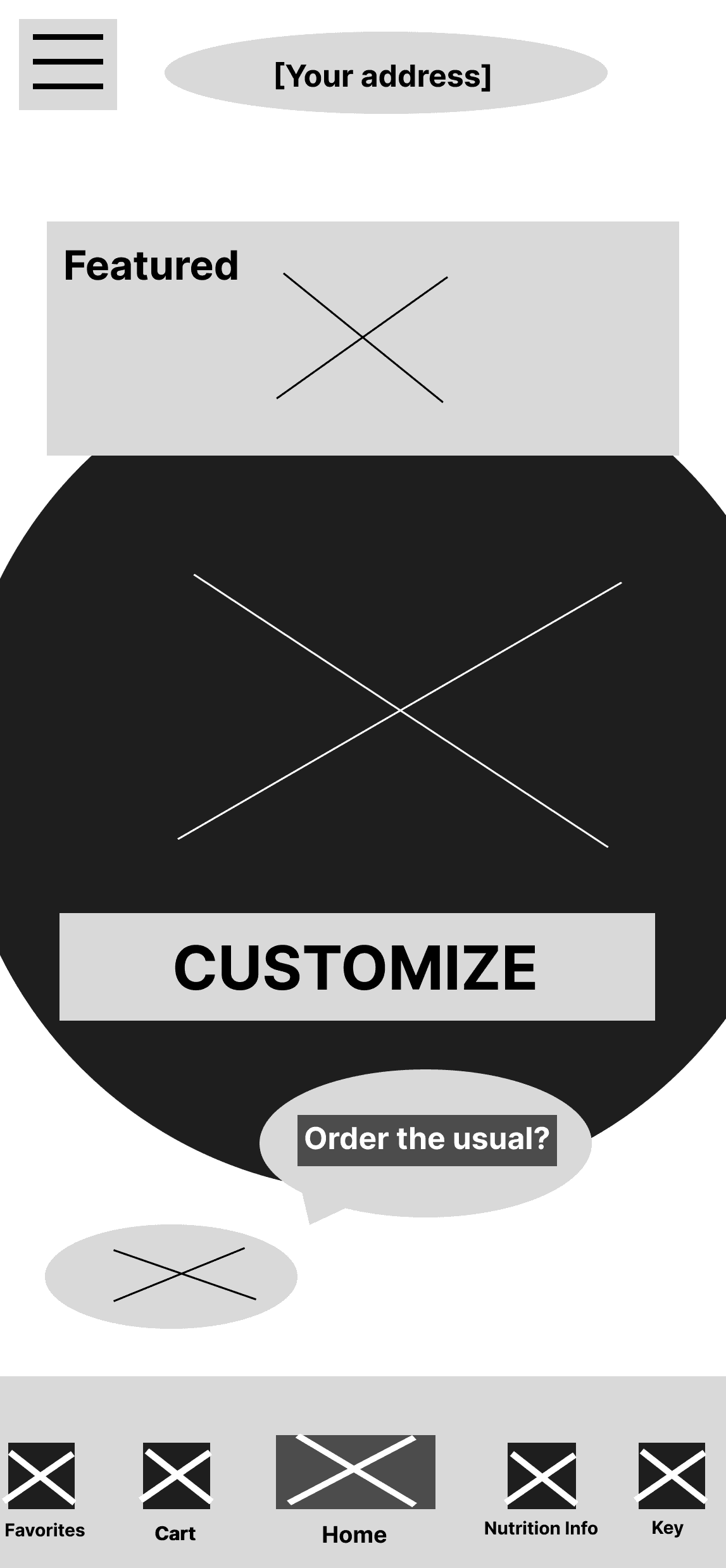
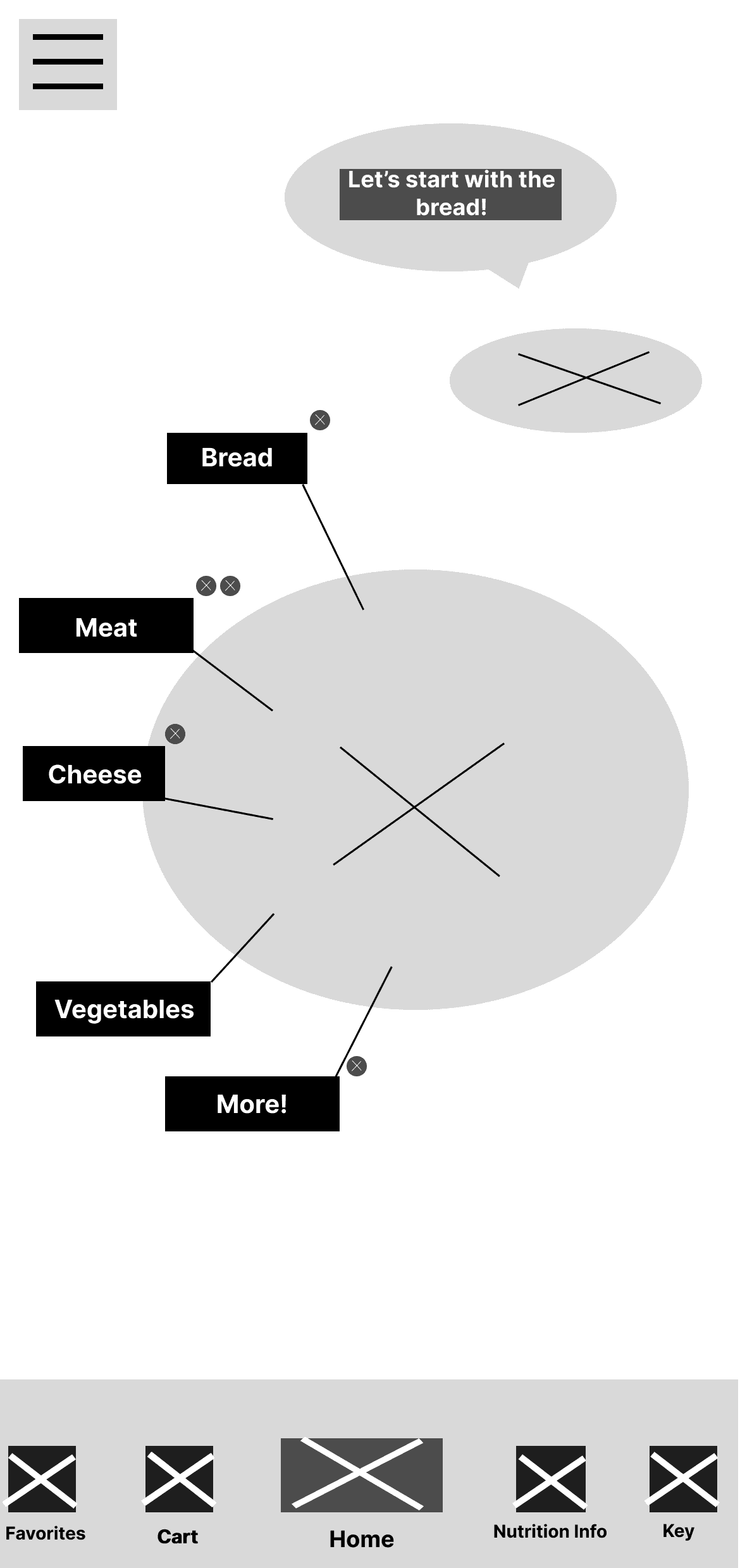
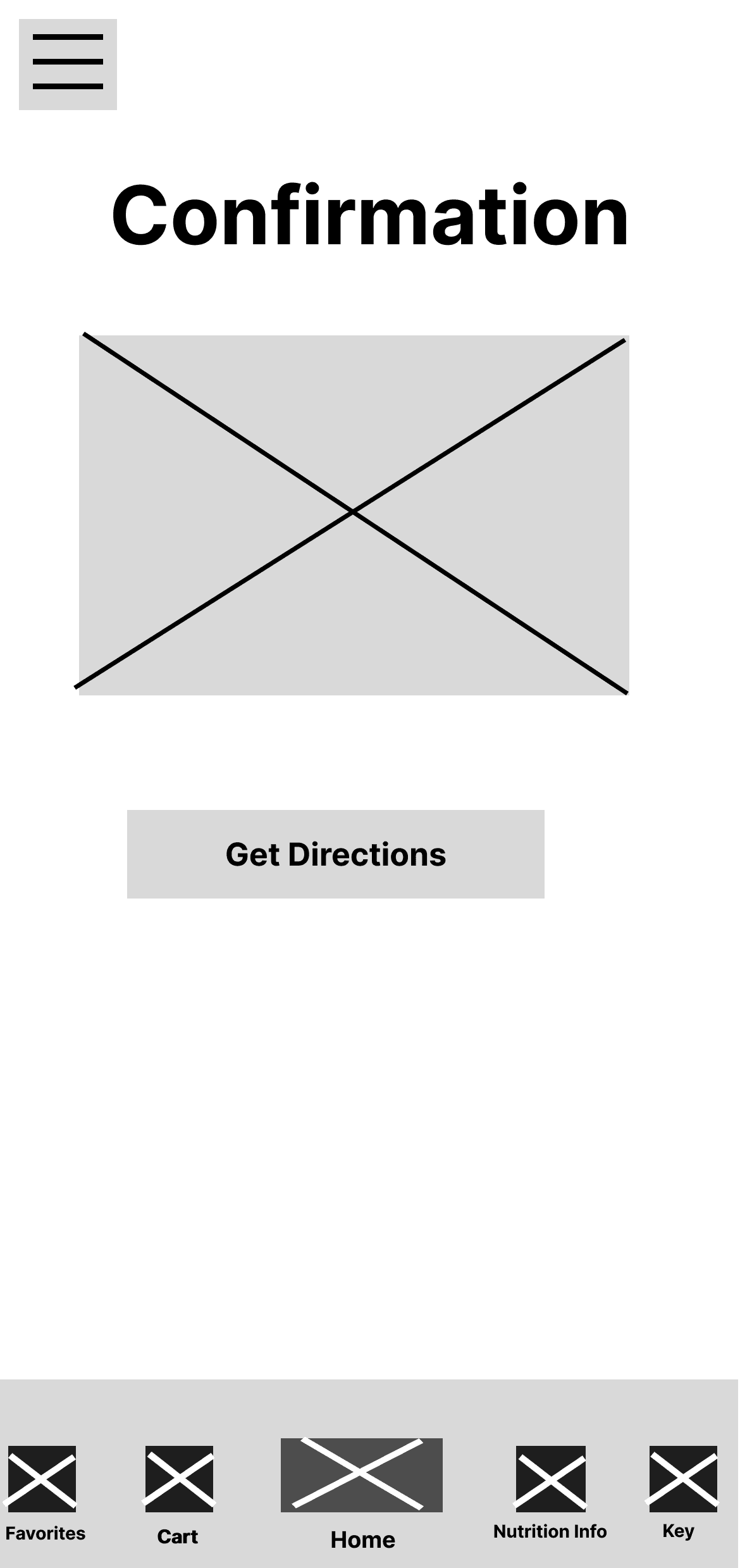
Low-Fidelity Designs

Low-Fidelity Designs

1.

1.

2.

2.

3.

3.

3.

3.

3.

4.

4.

Research


Problems

  1. Users had trouble navigating because they couldn't find the action buttons they needed.

  1. Users were confused because there were no confirmation screens after an action.

  1. Users found the customization page to be restricting.

Solutions

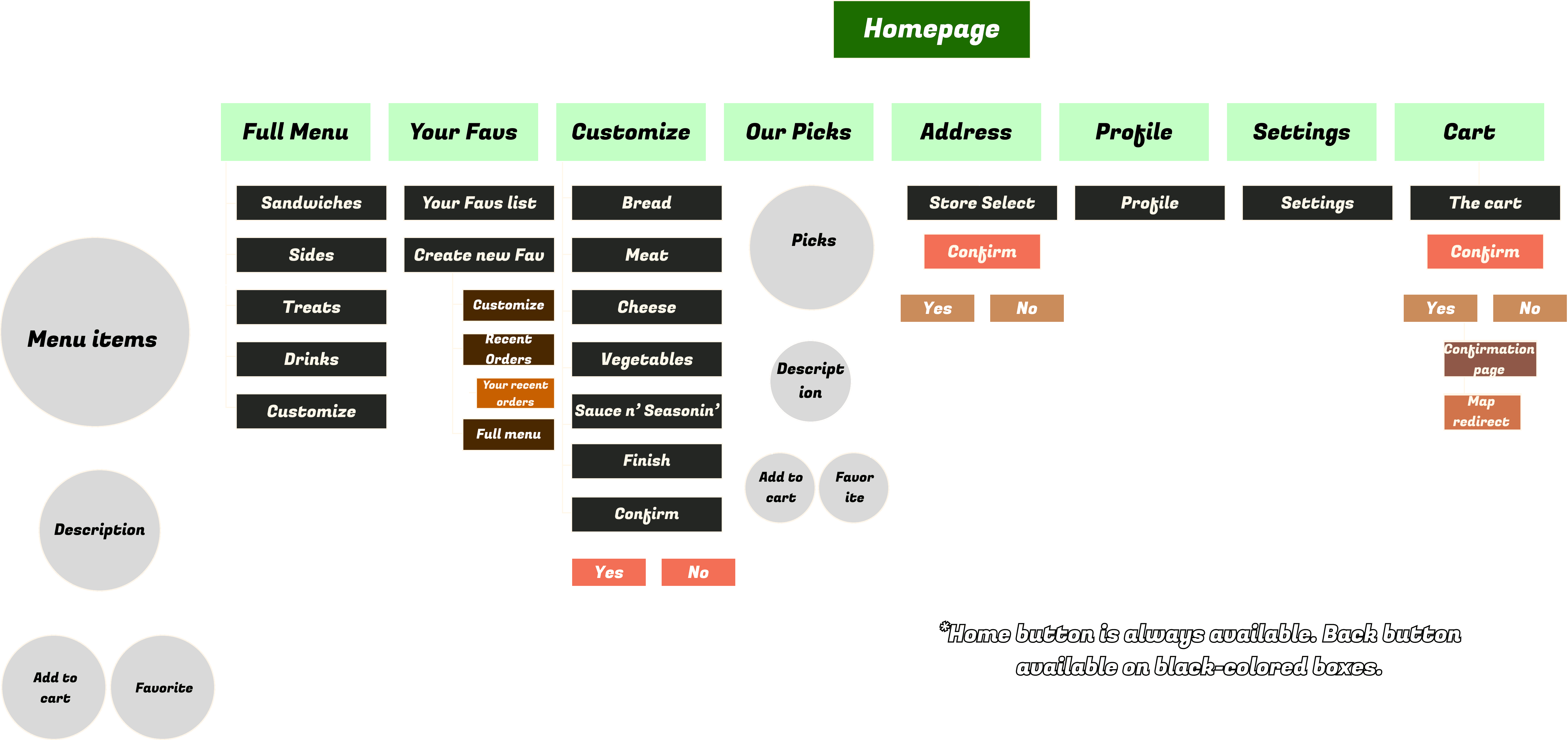
  1. I simplified the app layout and created a handy Quick Menu for the most important actions.

  1. I implemented confirmation pop-ups to prevent User errors and create peace of mind.

  1. I redesigned the customization page and gave it an open layout so that Users can put together ingredient combinations in an informed way, and make changes more quickly than ever.

Hi-Fidelity Designs

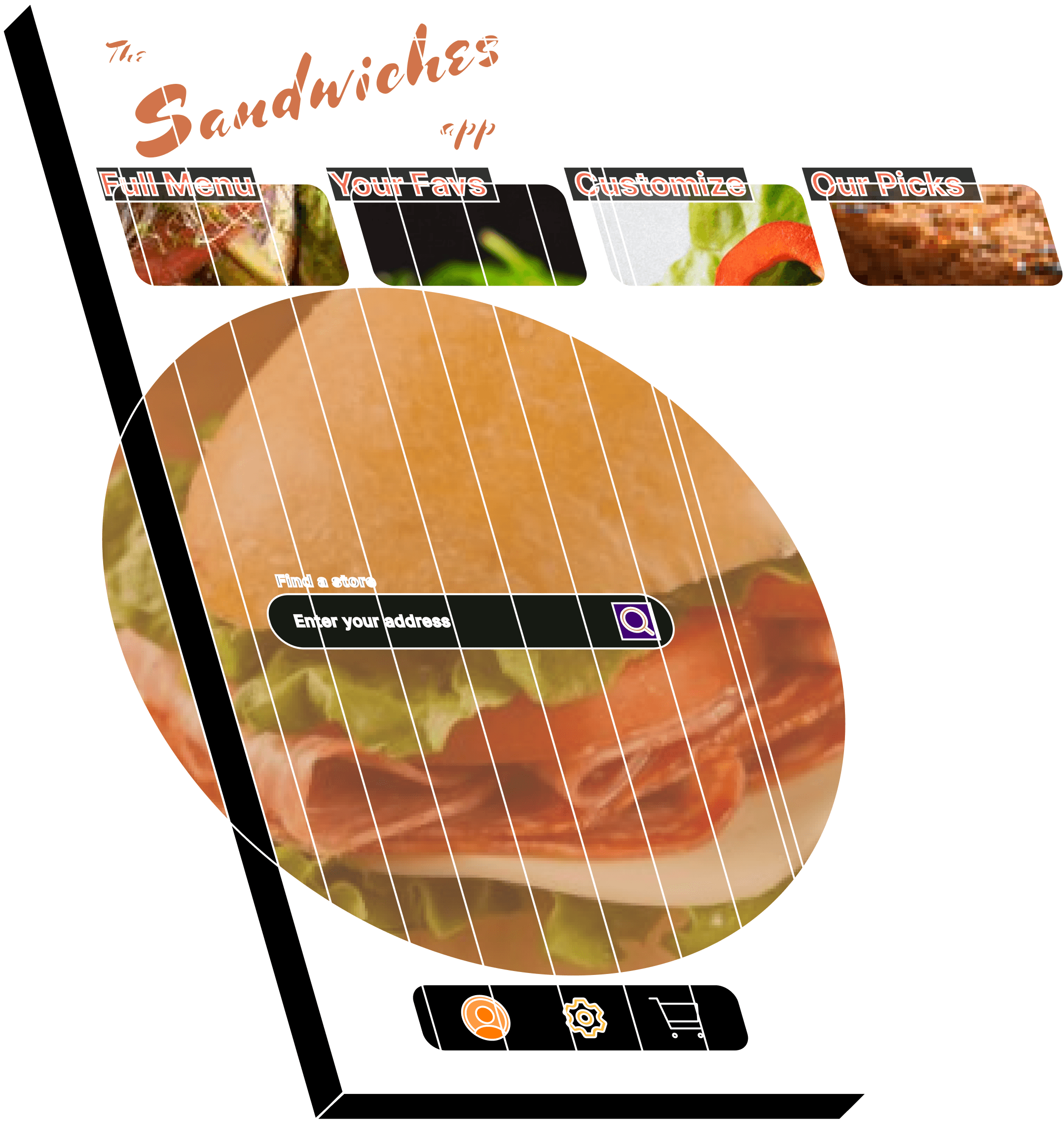
  1. Users enter their address to find a store now or later (in this case, now).

  1. After confirming their store selection, Users navigate the sideways scrolling menu on top (in this case, selecting the Customization option).

  1. Users fill out their sandwich ordering form to their liking. By using this format, Users have more context to make informed decisions about which ingredients to choose.


  1. After customization is complete, we lead Users to the next step by integrating Maps directly into the app.

  1. Users enter their address to find a store now or later (in this case, now).

  1. After confirming their store selection, Users navigate the sideways scrolling menu on top (in this case, selecting the Customization option).

  1. Users fill out their sandwich ordering form to their liking. By using this format, Users have more context to make informed decisions about which ingredients to choose.


  1. After customization is complete, we lead Users to the next step by integrating Maps directly into the app.

  1. Users enter their address to find a store now or later (in this case, now).

  1. After confirming their store selection, Users navigate the sideways scrolling menu on top (in this case, selecting the Customization option).

  1. Users fill out their sandwich ordering form to their liking. By using this format, Users have more context to make informed decisions about which ingredients to choose.


  1. After customization is complete, we lead Users to the next step by integrating Maps directly into the app.

User Flow

Let’s Get Connected

And create something

impressive

BOLD

eye-catching

fun

playful

serious

text

impressive

together.